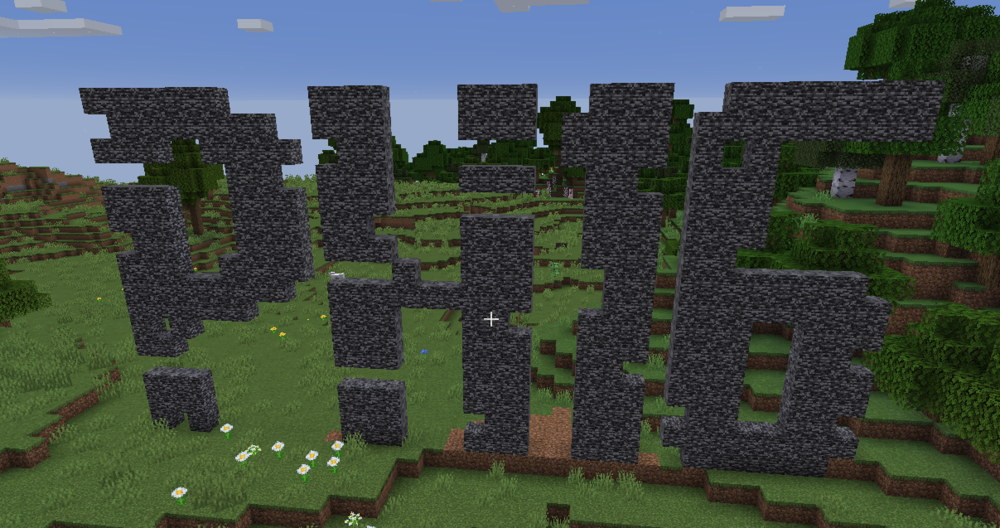
PH16 Minecraft Server Instructions
- Join the PH16 Discord server.
- In the #role-assign channel, give yourself the @Minecraft role by reacting to the corresponding message
- A new channel is available now, the #minecraft channel
- Connect to the Minecraft Server (minecraft.ph16.tv). Once connected, you will be prompted to authenticate with Discord.
- Once you're authenticated, you can join and play!
- Stay in the #minecraft channel for admin updates and questions!
Server Info
Edition: Java
Version:
Mode:
Concurrent player cap:
URL: minecraft.ph16.tv (Yes, the same as this page)
Server Side Mods
One Player Sleep Data Pack
As long as one player uses a bed, night is ended
Player Home Teleport
Allows for saving and teleporting to "Homes"
Commands:
- /home teleports the current user to their home, if set.
- /home set sets the current users home.
- /home remove removes the current players home.
- /home list list all players who have a home set.
- /home <PlayerName> teleports the current user to PlayerName's home, if set.
PH16 Discord
Connects Minecraft server with Discord server. Provides authentication only currently.